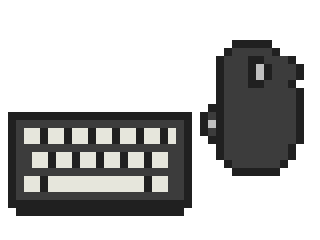
Desk
Logitech MX Master mouse and MX Keys keyboard
My daily driver at the desk. The scroll wheel alone is the reason I keep buying them.
Maker: logitech.com
- Scroll wheel
- MagSpeed electromagnetic wheel, plus a thumb wheel for sideways scrolling
- Devices
- Both switch between three devices, and Logitech Flow moves the cursor between machines
- Keys
- Low-profile, backlit, spherically dished keycaps
- Charging
- USB-C on both
This is the pair on my desk and I would buy it again tomorrow. The MX Master sits in my hand the way a mouse should, which sounds like nothing until you use a flat one for a week. The clicks on the 3S are quiet enough that nobody on a call hears me.
The wheel is the thing. The MagSpeed wheel spins free when you flick it and clicks step by step when you go slow, and it switches between the two on its own. Long spreadsheet, one flick, done. There's a second wheel under the thumb for sideways scrolling, which I use more than I thought I would.
The MX Keys is low profile and backlit, and the keys have a slight dish to them so my fingers land in the middle. Both switch between three devices with a button, and Logitech Flow moves the cursor from one machine to the next by just pushing it off the edge of the screen. USB-C charging on both, and the batteries last ages.
Not exciting. Just the stuff my hands touch all day, and it's right.