Desk
Elgato Stream Deck
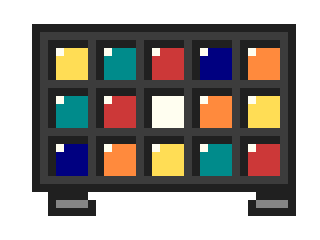
A pad of little LCD buttons that I use as a shortcut panel, not for streaming.
Maker: elgato.com
- Keys
- 15 customisable LCD keys on the standard model
- Each key
- Shows its own icon and label
- Profiles
- Per-app profiles swap the buttons when that app comes to the front
- Connection
- USB
I don't stream. I bought the Stream Deck because I wanted physical buttons for the things I do fifty times a day, and it turns out that's exactly what it is: a small pad of LCD keys, 15 on the standard one, and each key shows whatever icon you give it.
Mine has a row for launching apps. Another row switches window layouts, I call them screen views: one for writing, one for calls with the notes next to the video. A couple of keys run multi-actions, so one press opens the tools and arranges the windows. And the buttons change depending on which app is in front, so the same key does something different in the editor than in the browser.
I know all of this could be keyboard shortcuts. I forget keyboard shortcuts. I do not forget a button with a picture on it.